
Download & Start
Open the app, enter the address, and choose move-in, move-out, or inspection.
MyKeyz guides the property walkthrough room by room, keeping photos, notes, timestamps, and location details connected in one verified handover record both sides can review later.
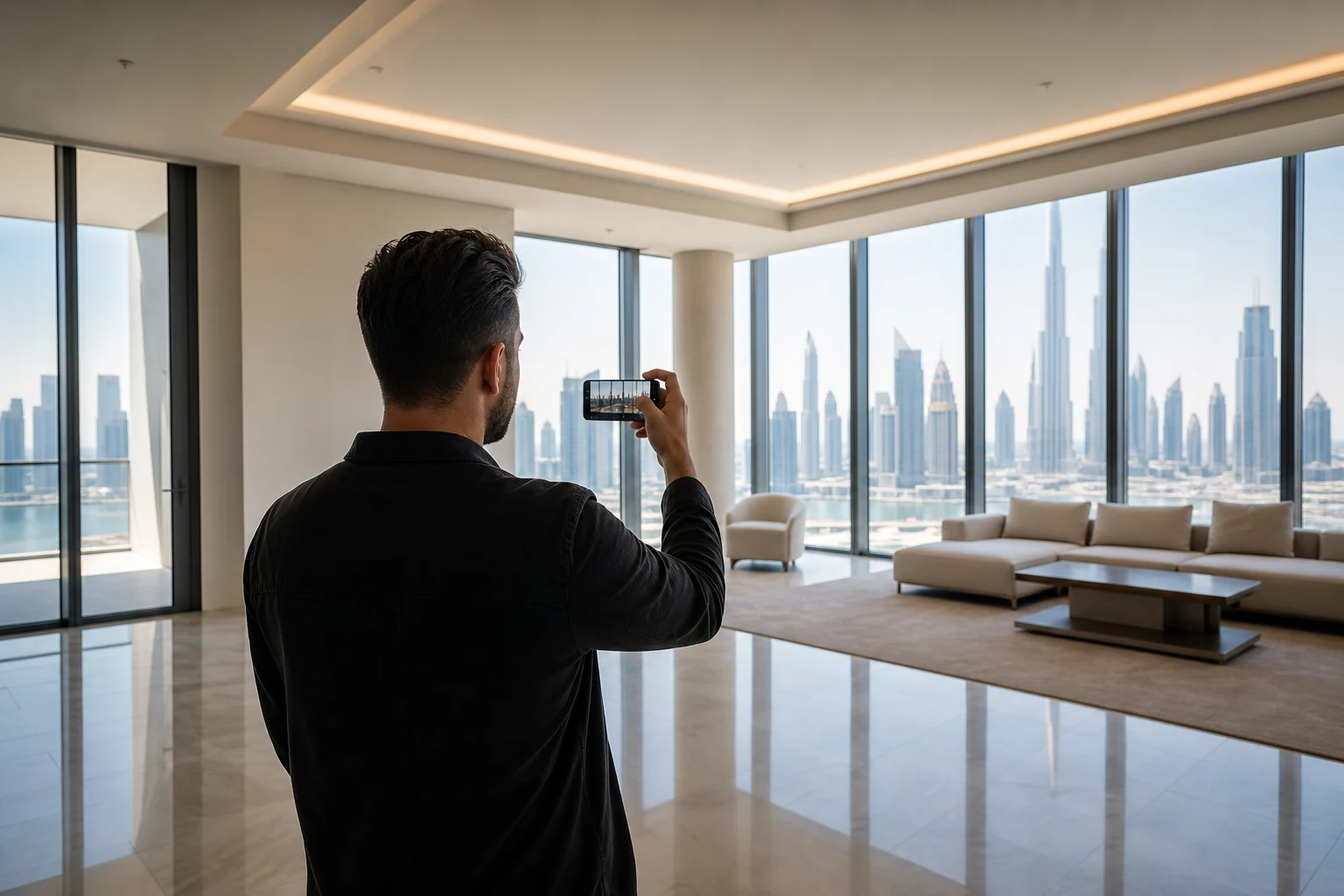
The three steps
Open the app, enter the address, and choose move-in, move-out, or inspection.
Photograph each room, add notes where needed, and let MyKeyz keep everything organized automatically.
Create one verified handover record with photos, timestamps, notes, and location details both sides can review later.
Behind the scenes
MyKeyz keeps the walkthrough fast while organizing every room, photo, note, timestamp, and location detail into one structured handover record people can still understand months later.
The walkthrough follows the property naturally so the record stays easy to review later.
Capture wide room views, close-ups, appliances, fixtures, and anything worth documenting.
A few words beside the photo prevent confusion later when details are harder to remember.
Defects are identified, classified by RERA category, and flagged in the report. Each finding shows whether it is fair wear and tear or damage the tenant may be held responsible for.
When the tenancy ends, the original move-in record and the move-out inspection can be compared room by room. The difference is visible. The conversation is shorter.
After the walkthrough, both the tenant and landlord receive the record and sign it digitally. No printing. No scanning. The signed record is stored with the original walkthrough.
Photos taken without internet are queued and uploaded automatically when the connection returns. The walkthrough does not stop for a weak signal.
After both sides sign, the record is complete. Anyone can confirm it is genuine at mykeyz.net — no login, no app needed.
Ready?
Download MyKeyz before move-in, move-out, or inspection day. Walk through the property once and leave with a verified handover record both sides can rely on later.